A field app for NGO and humanitarian teams that works offline and keeps sensitive data where it belongs.
Distribution points, mobile teams, needs assessments and logistics in places where the network is weak or absent. Sinkaos puts them on one shared map, keeps working with no connection, and gives you control over who sees what about the people you serve.
The data is in a WhatsApp group, a shared spreadsheet and three people’s phones.
Field teams in humanitarian and development work often coordinate through consumer messaging groups, because that is what everyone already has. Locations of distribution points, lists of households, photos from assessments and notes about who needs what all end up in chats that nobody controls, on personal phones that get lost, shared or seized.
Connectivity is weakest exactly where the work is, in rural areas, damaged towns and at border crossings, so teams either wait for signal to send a report or write it up later from memory.
The people you help are often the ones with the most to lose if their details leak. A map with their locations, a photo with GPS metadata, or a list forwarded to the wrong group can put them at risk, which makes protecting that data part of the work itself.
A distribution day in an area with patchy coverage.
-
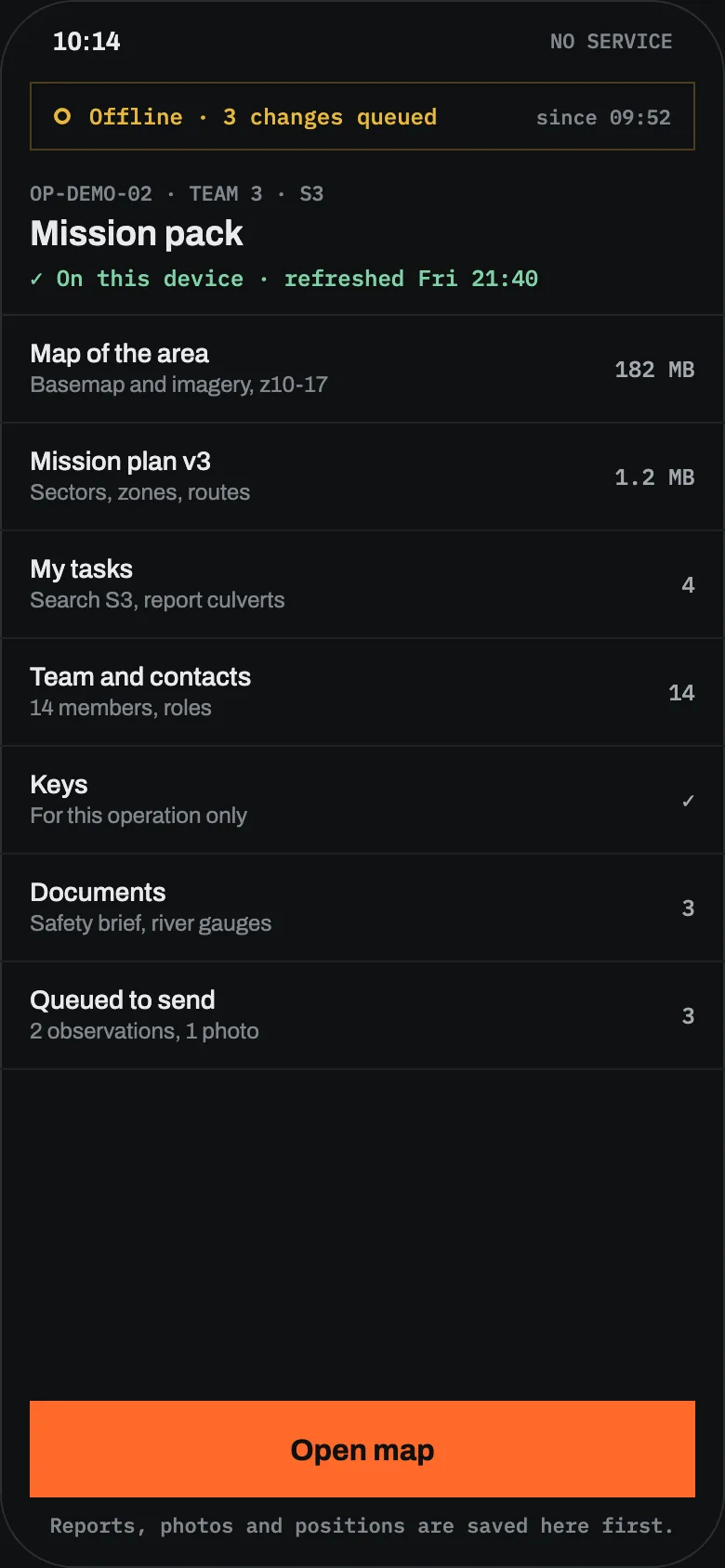
EveThe coordinator prepares the dayThree distribution points, the warehouse, the routes between them and the assessment form. Each team gets a mission pack with the offline map, its tasks and the team list.Mission packsForms
-
07:30Teams leave coverageTeam two drives to a village with no signal. Its route was calculated offline and its tasks are on the phone.Offline mapsOffline routing
-
10:10An assessment, recorded offlineThe team fills in the assessment form with photos. Location metadata is stripped from the photos according to the organisation’s policy. The record waits in the encrypted queue.FormsPhoto metadata
-
11:40Stock runs lowPoint B logs that hygiene kits are down to twenty. When the team reaches signal, the warehouse sees it and schedules a resupply.InventorySync
-
16:00Back in rangeReports arrive on the timeline at the time they were made, marked as late. The coordinator sees the whole day in order.TimelineStore and forward
-
FriReporting and clean-upThe week’s data exports for the donor report. Data that is no longer needed is deleted according to the operation’s retention settings.ExportRetention
Built for teams that are offline most of the day
Offline maps and routing
Vector and raster maps on the phone, plus route calculation from road data stored on the device.
Everything is created offline
Messages, reports, forms, photos, map edits and tracks are saved on the phone and sent when a link appears.
Critical text goes first
On slow or intermittent links, text and alerts are sent before photos and video.
No silent overwrites
Edits made apart are merged where safe, and conflicts are shown to a person instead of being lost.
A field node with no internet
A laptop or small server runs the operation over local Wi-Fi and syncs with headquarters when any link exists, including satellite.
Two clocks
Every record keeps when it happened and when it arrived, so late reports land in the right place on the timeline.
Protecting data about the people you help
Sinkaos gives you the controls. Deciding what to collect and how long to keep it stays with your organisation and its data protection policy.
End-to-end encrypted messages and files
Messages, photos and documents are encrypted on the device. The server sees that something was sent, not what it says. The security page lists exactly what the server can read.
Handling labels
Mark operations, objects, files and exports with labels that restrict sharing, export and notification previews.
Photo metadata control
Location and heading in photo metadata are stripped or kept according to your policy, and can be stripped on export.
Roles down to the object
Decide who can see assessments, locations and names, by organisation, team, operation or single object.
Lost or seized phones
Data on the phone is encrypted at rest. Revoke a device, wipe it remotely or on the spot, and see whether the wipe was confirmed.
Retention and deletion
Retention per type of data, with honest wording about what deletion can and cannot reach. Disappearing messages for conversations that should not last.
Where humanitarian teams use it
Where its job ends
What NGO coordinators ask
Where is our data stored?
Can local partners and volunteers join?
Does anyone need a phone number to sign up?
What happens if a phone is taken at a checkpoint?
Does it help with GDPR?
Planning a field deployment?
Tell us where you work and what the connectivity is like. We reply within two working days.